Verify report
Confirm a Chainalyse financial passport
Paste the verification code from your PDF to confirm it was issued by Chainalyse and registered onchain.
- 1 · Locate code on PDF
- →
- 2 · Paste below
- →
- 3 · Verify onchain
On your report
Where to find your verification code
Page 1 of your financial passport — use the tabs to see both locations.
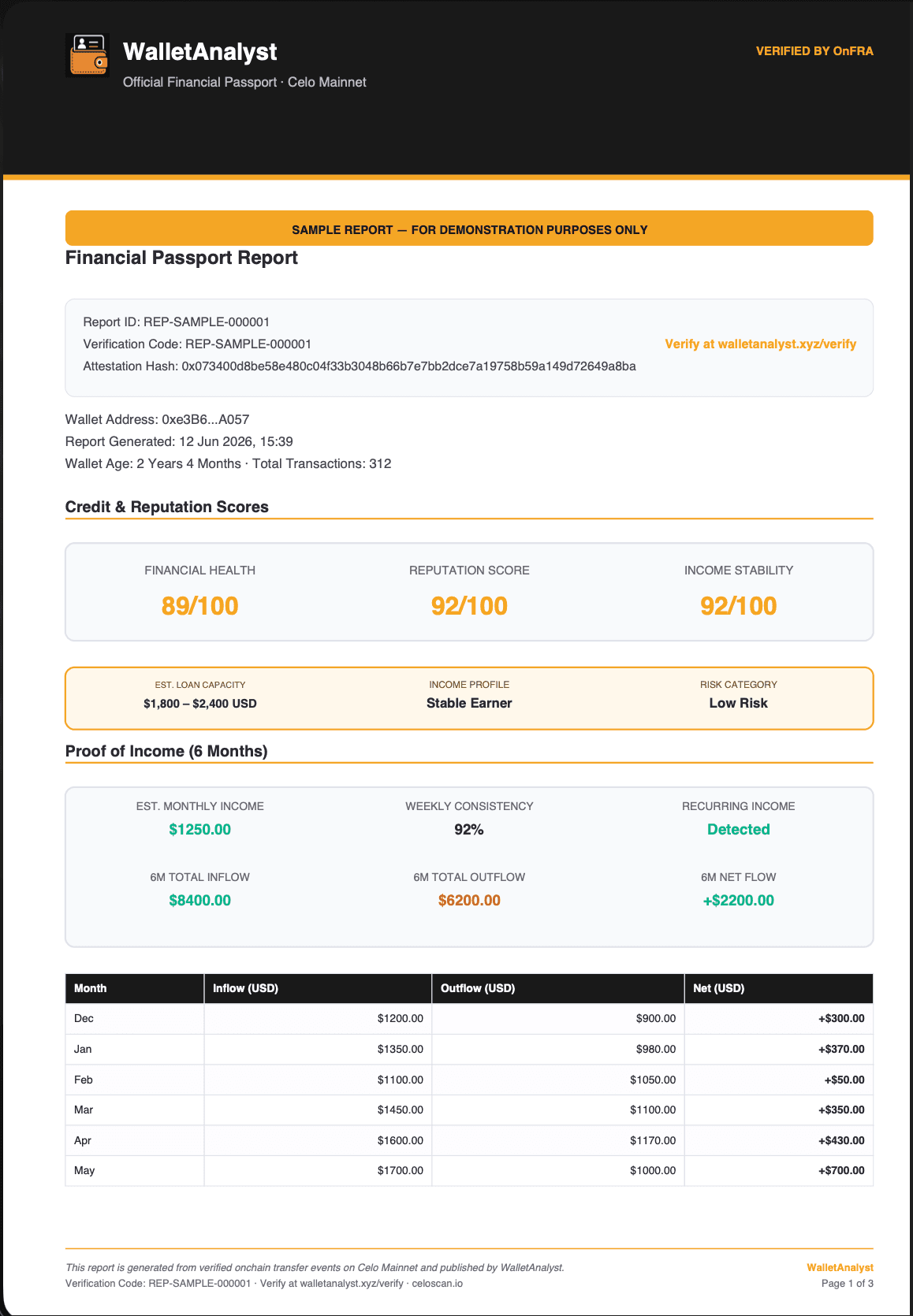
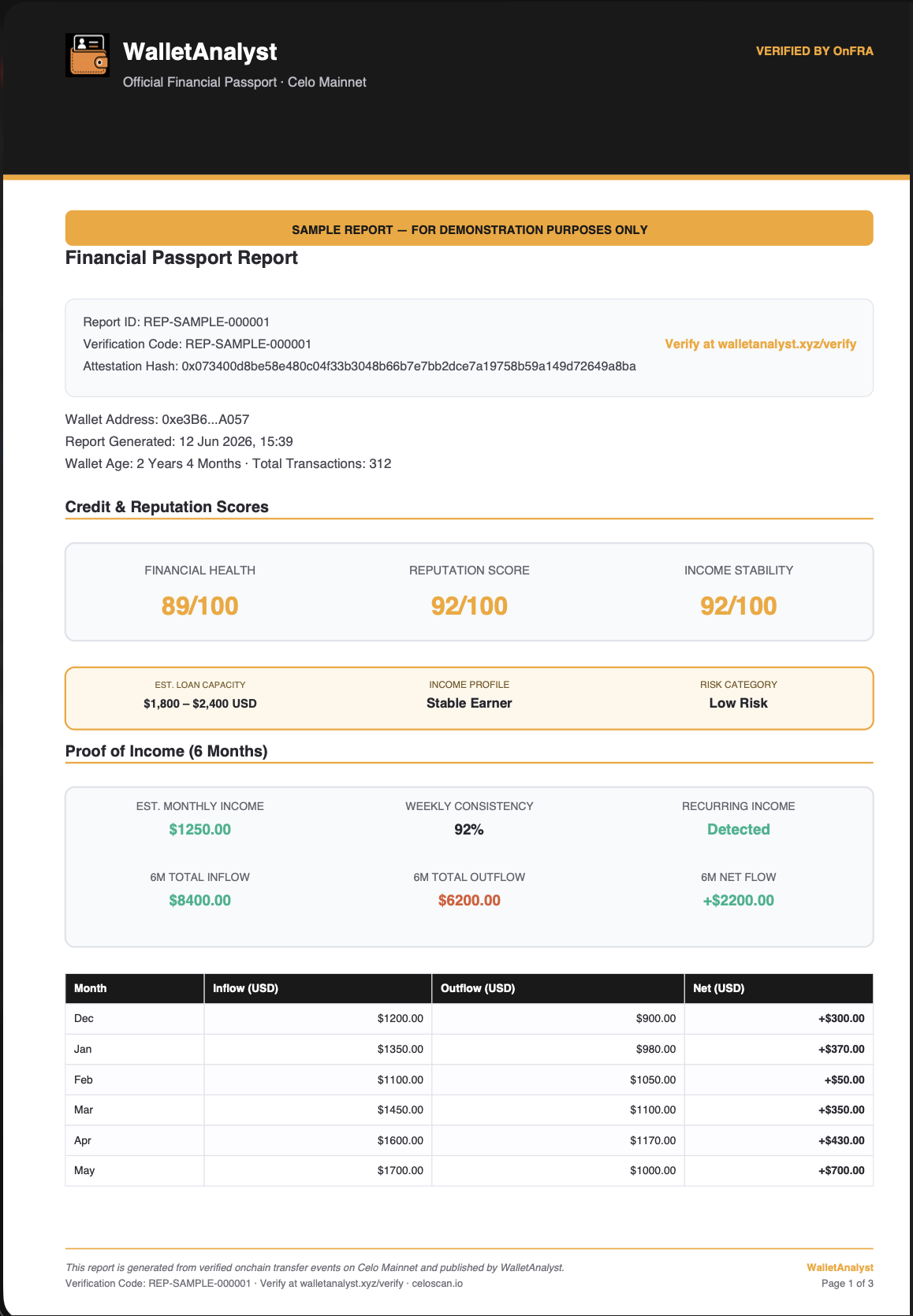
In the grey box below the title — the line labelled Verification Code (e.g. REP-SAMPLE-000001).